
kasingkasing [noun]
¬ the heart; the organ that pumps blood through the body
¬ emotions, kindness, moral, effort, or spirit in general
Guides

Pre-save now!
It'll help Spotify, Apple Music, and Deezer decide if the tracks are worthy to be featured in their algorithmic and editorial playlists.
Dalampasigan was featured in Spotify PH's
"New Music Friday" Playlist upon its release

iTunes
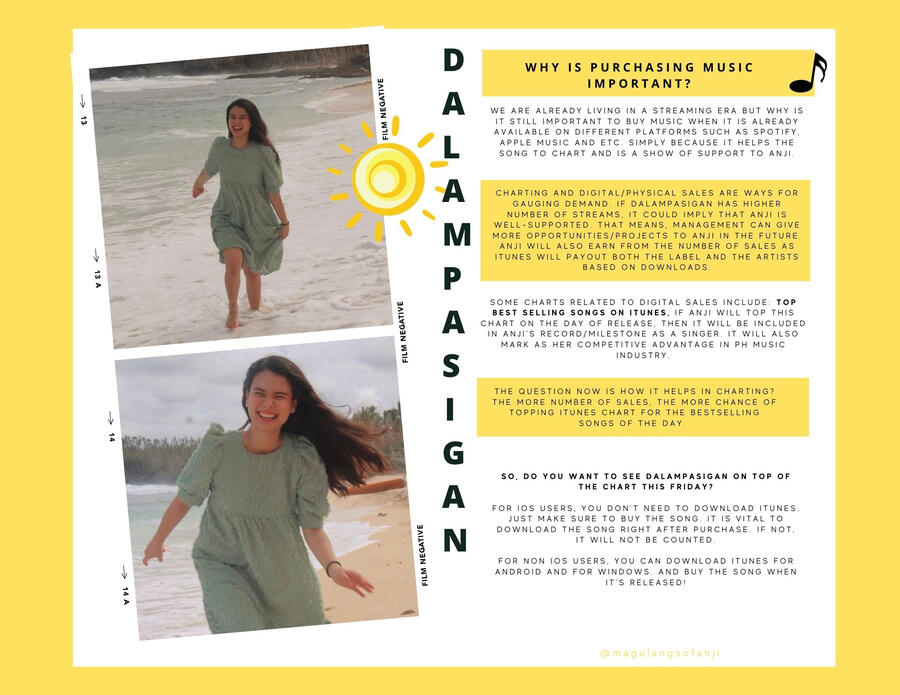
How to Create an Apple ID
Download iTunes on Windows: https://support.apple.com/en-us/HT210384 or via the Windows Store https://apps.microsoft.com/store/detail/itunes/9PB2MZ1ZMB1S?hl=en-us&gl=US
You may use GCash as the payment method.
Purchasing on iTunes
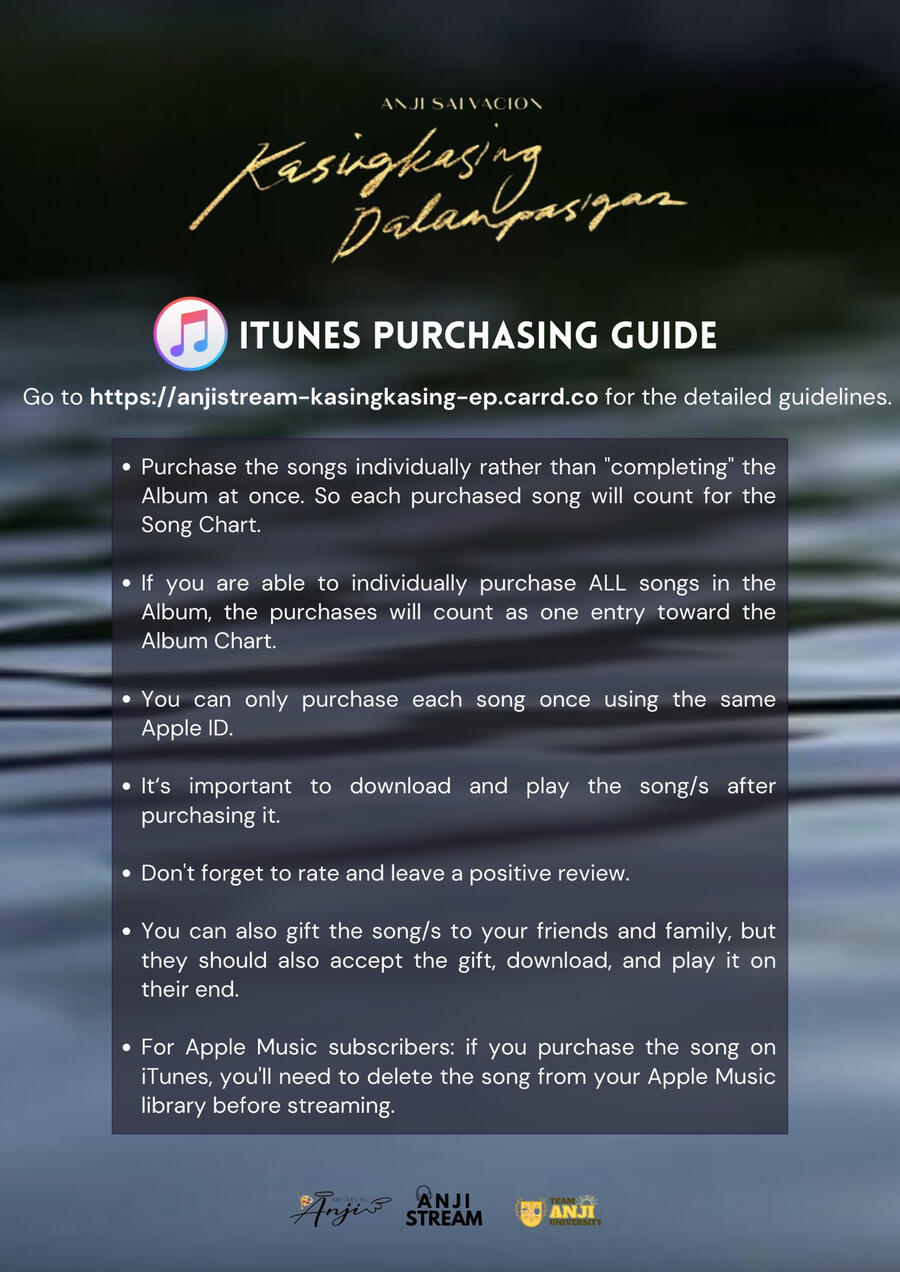
Purchase the songs individually rather than "completing" the Album at once. So each purchased song will count for the iTunes Song Chart.
If you are able to individually purchase ALL songs in the Album - do so, as your purchases will count as one entry toward the Album Chart.
Again do not "complete" the entire Album, but purchase each song individually. This way, you'll contribute to both Song and Album Charts.
You can only purchase each song once using the same Apple ID.
It is important to download and play the song/s after purchasing it.
Don't forget to rate and leave a positive review.
You can also gift the song/s to your friends and family, but they should also accept the gift, download, and play it on their end.
Apple Music
iTunes = purchasing; Apple Music = streaming (like Spotify)
For Apple users, if you have Spotify Premium Accounts, use it. If you don't have one, you can continue streaming via Apple Music. But remember, if you purchase the song on iTunes, you'll need to delete the song from your Apple Music library - so you will not stream directly from the local/downloaded copy of the song.
Dalampasigan was included in the "Absolute OPM". If the song gets featured on a playlist created by Apple Music, play the song from that playlist at least once. This will signal Apple Music to keep the song in the playlist and even move it up in the list.
We don't have a set streaming goal for Apple Music (and Deezer).

Spotify
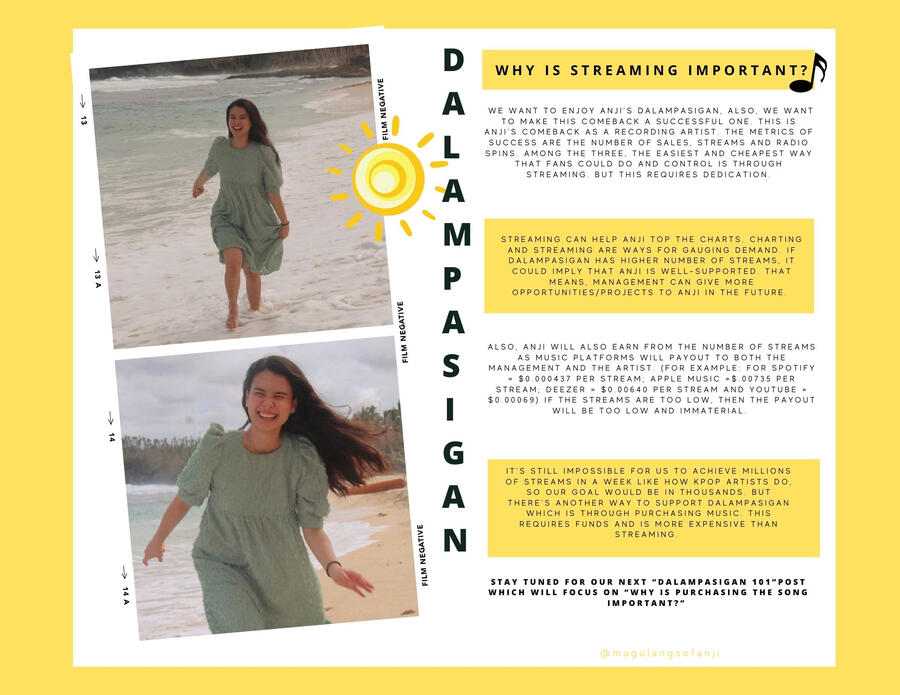
Streaming Guidelines
[Short Version]
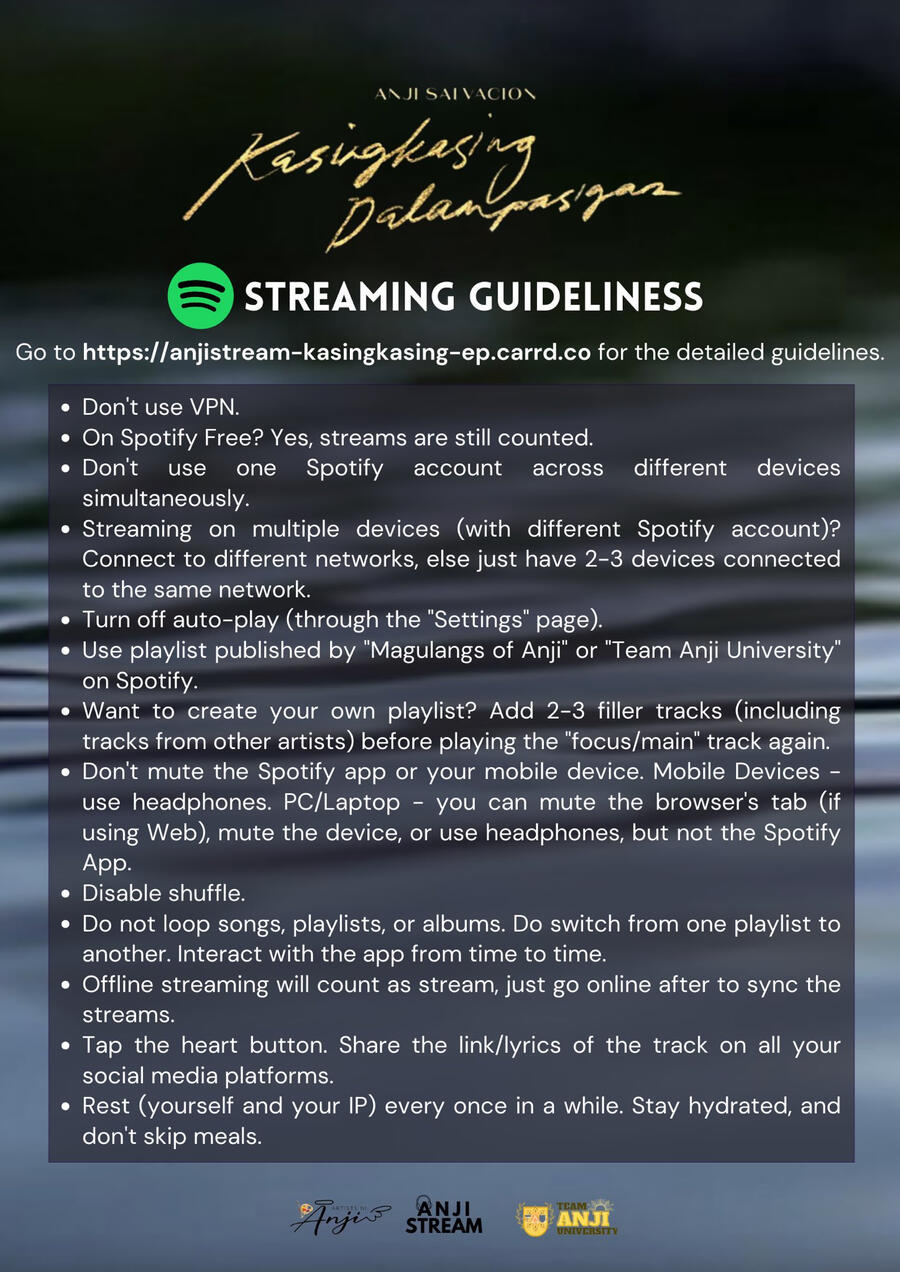
[Long Version]
Don't use VPN. Streams made using VPN will not be counted (or filtered out).
On Spotify Free? Yes, streams will still be counted.
Don't use one Spotify account across different devices simultaneously.
If you are streaming on multiple devices (with different Spotify accounts), and able to connect to different networks (e.g., Wifi and Mobile Data) - that's much better. Else limit the number of devices connected to the same network to just 2-3 devices. Not too many streams from your network/IP.
Turn off autoplay (through the "Settings" page), so no other track will be played after.
Use playlists published by "Team Anji University" on Spotify. You can also create your own playlist, with 2-3 filler tracks before playing the "focus/main" track again. Also, add tracks from other artist in between, and don't make it too systematic.
Don't mute the Spotify app or your mobile device. The "20% volume" requirement is not true. Mobile Devices - use headphones. PC/Laptop - you can mute the browser’s tab (if the feature is available or via Browser Extensions), mute the device, or use headphones, but not the Spotify App.
Disable shuffle. Having it enabled will mess up the placement of the songs, not following the 2-3 filler guidelines.
Do not loop songs, playlists, or albums.
Do switch from one playlist to another.
Interact with the app from time to time (e.g., pausing the track, changing the volume level, or playing other tracks).
Offline streaming (from downloaded songs) will count as stream, as long as the device can go online after to sync the streams.
Listeners are encouraged to tap the heart button. Also, share the link/lyrics of the track on all your social media platforms to make it viral.
Dalampasigan already has lyrics on Spotify, so use that - share your favorite line from the song so we can get Dalampasigan up in the Viral 50 Chart.
Be sure to follow "Anji Salvacion" on Spotify.
Rest (yourself and your IP) every once in a while. Stay hydrated, and don't skip meals.
Stationhead
If you don't want to worry about the streaming guidelines or curating a playlist that would count as valid streams, join us on Stationhead instead!
You'll just need to connect your premium Spotify or Apple Music (AM) account to your Stationhead (SH) account. Then ensure that your device and SH are not muted (🔇to 🔊), your Spotify or Apple Music is not used anywhere else, and you are good to go!
To achieve our minimum target for Spotify we will be on air for the 1st 24hrs (at least).
We also want to top the Stationhead's Weekly Leaderboard (enter Top 10).
Renaissance
Join our streaming party via REN: